 Anime+
Anime+ on every screen
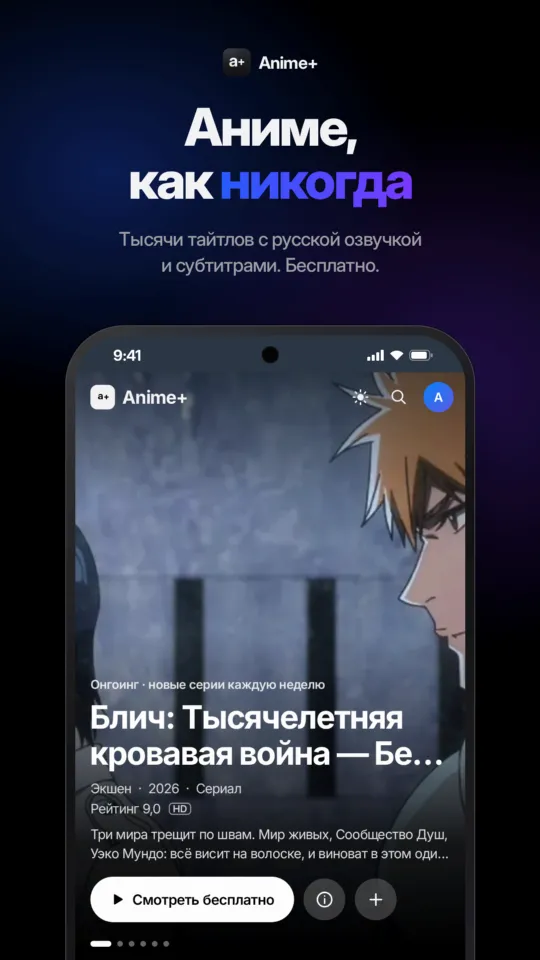
Watch anime in the app: on your phone, on your computer and soon on your TV. Lists, history and episode progress are shared with the site — just sign in with the same account.
Phone and tablet
Anime+ for Android
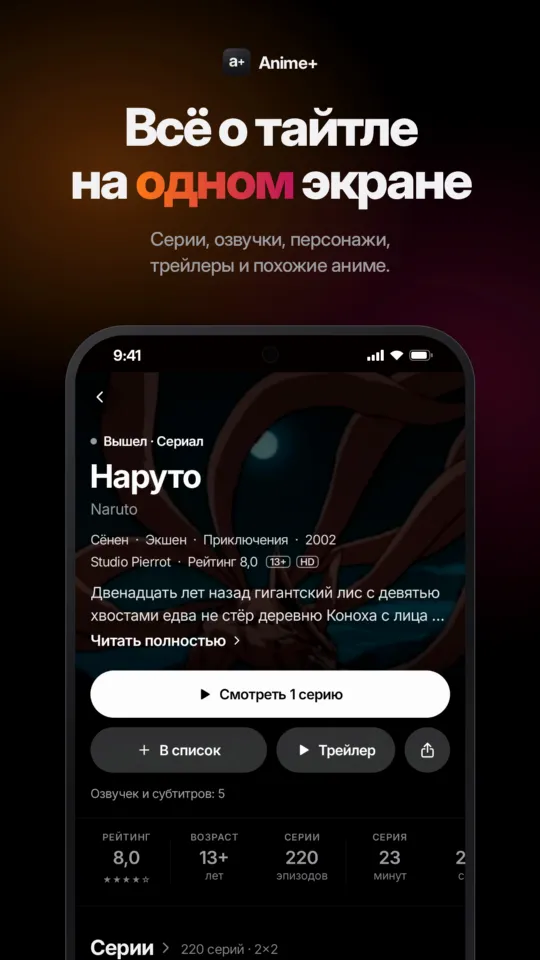
Thousands of titles with dubs and subtitles in a handy app. Free.
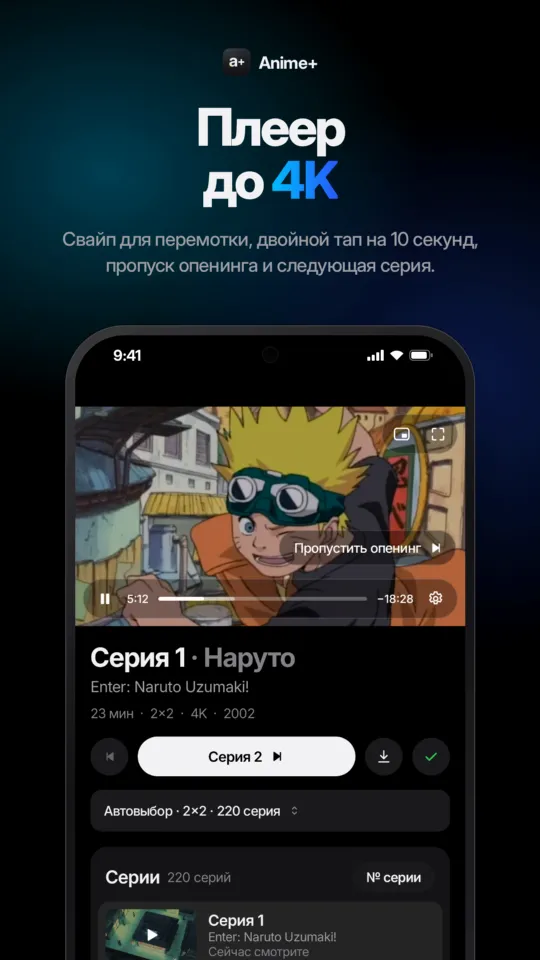
- 4KUp to 4K and a smooth player
- Download episodes and watch offline
- Notifications about new episodes from your lists
- Resume where you left off
How to install
- Download the APK on your phone.
- Open it from the download notification or the Downloads folder.
- If asked, allow installing from this source — only once.
- The app offers updates by itself.
Desktop
Anime+ for Windows
A standalone app with its own player: no browser tabs, true fullscreen and keyboard controls.
- 4KBuilt-in mpv player: up to 4K, smooth seeking
- “Skip opening” button
- Hotkeys: pause, seek, volume, fullscreen
- No Java install needed — everything is bundled
How to install
- Download the archive and unpack it anywhere, e.g. Documents.
- Open the AnimePlus folder and run Anime+.exe.
- If Windows SmartScreen warns you, click “More info” → “Run anyway”.

For TV
Anime+ for Android TV
We are building an app for Android TV sets and boxes: remote control, big screen and the same account as on the site. It will appear on this page as soon as it is ready.
Meanwhile, open plusani.me in your TV browser — the site adapts to big screens.
Questions
Is it free?
Yes, the apps are free, just like the site.
Why is it not on Google Play?
For now the app is distributed directly from this page. Files are always the latest version, and the app offers updates itself.
Will my lists and history carry over?
Yes. Sign in with your site account — lists, history and progress sync automatically.
Will there be iPhone and Mac versions?
Not yet. On iPhone, iPad and Mac use the site — you can add it to the Home Screen like an app.